The project
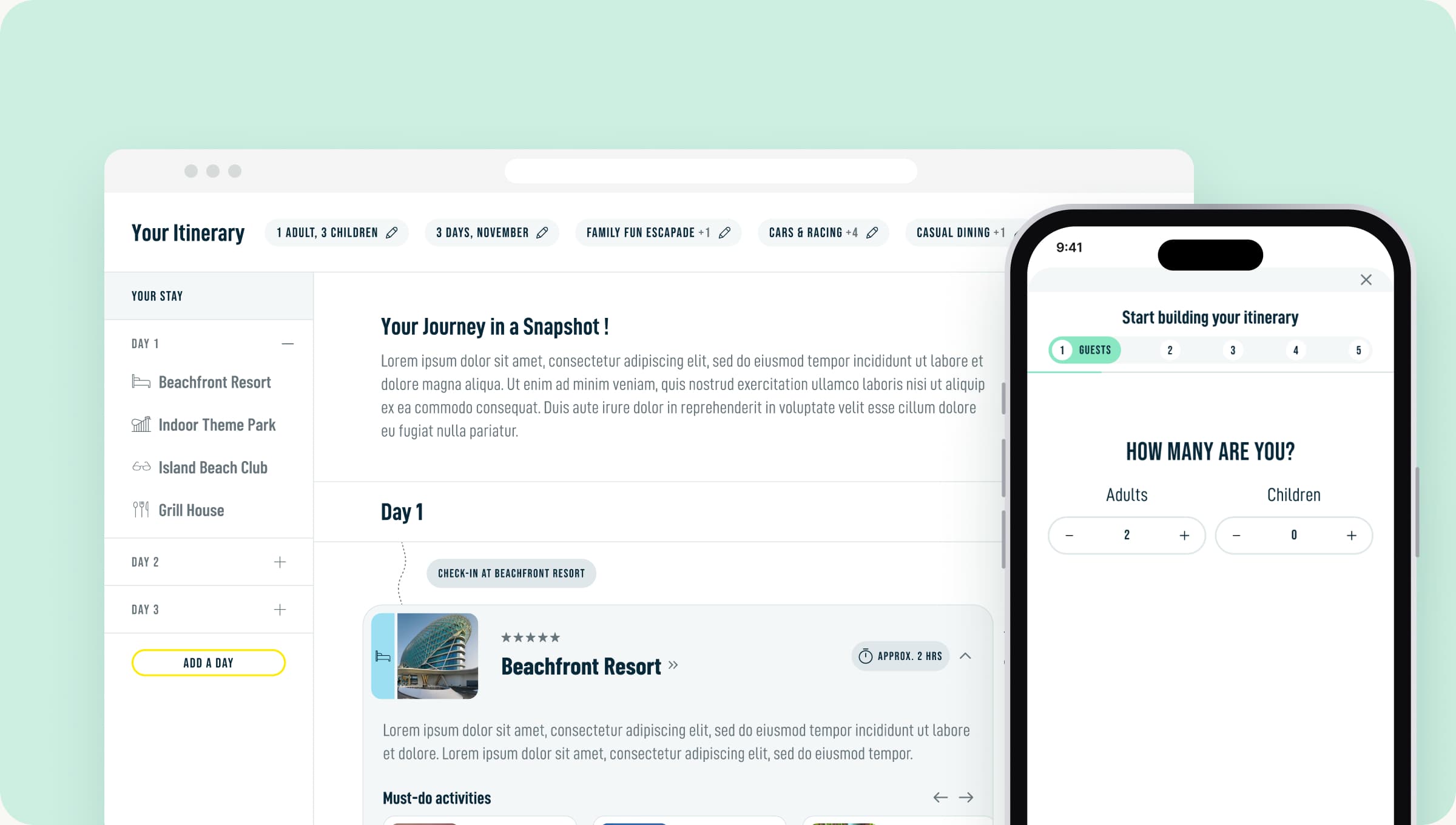
A web based itinerary planner for one of the region's biggest leisure and entertainment destinations, with lots of venues, experiences and things to do.
A smart itinerary builder that helps families, couples and solo travellers plan a multi day visit across a destination packed with attractions.
PROJECT OVERVIEW
A web based itinerary planner for one of the region's biggest leisure and entertainment destinations, with lots of venues, experiences and things to do.
Families, couples and solo travellers planning a visit that spans several days and several attractions.
OBJECTIVES
Take the stress out of planning a multi day visit across lots of different venues.
Give visitors a reason to explore more and spend more time on the platform.
Turn plans into bookings and lift conversion across experiences.
THE PROCESS
Competitor analysisPain points and personas
Product case and roadmapUser flows and key features
Lo fi wireframesClient demos and iteration
Prototypes and statesHandoff to UI design
RESEARCH & DISCOVERY
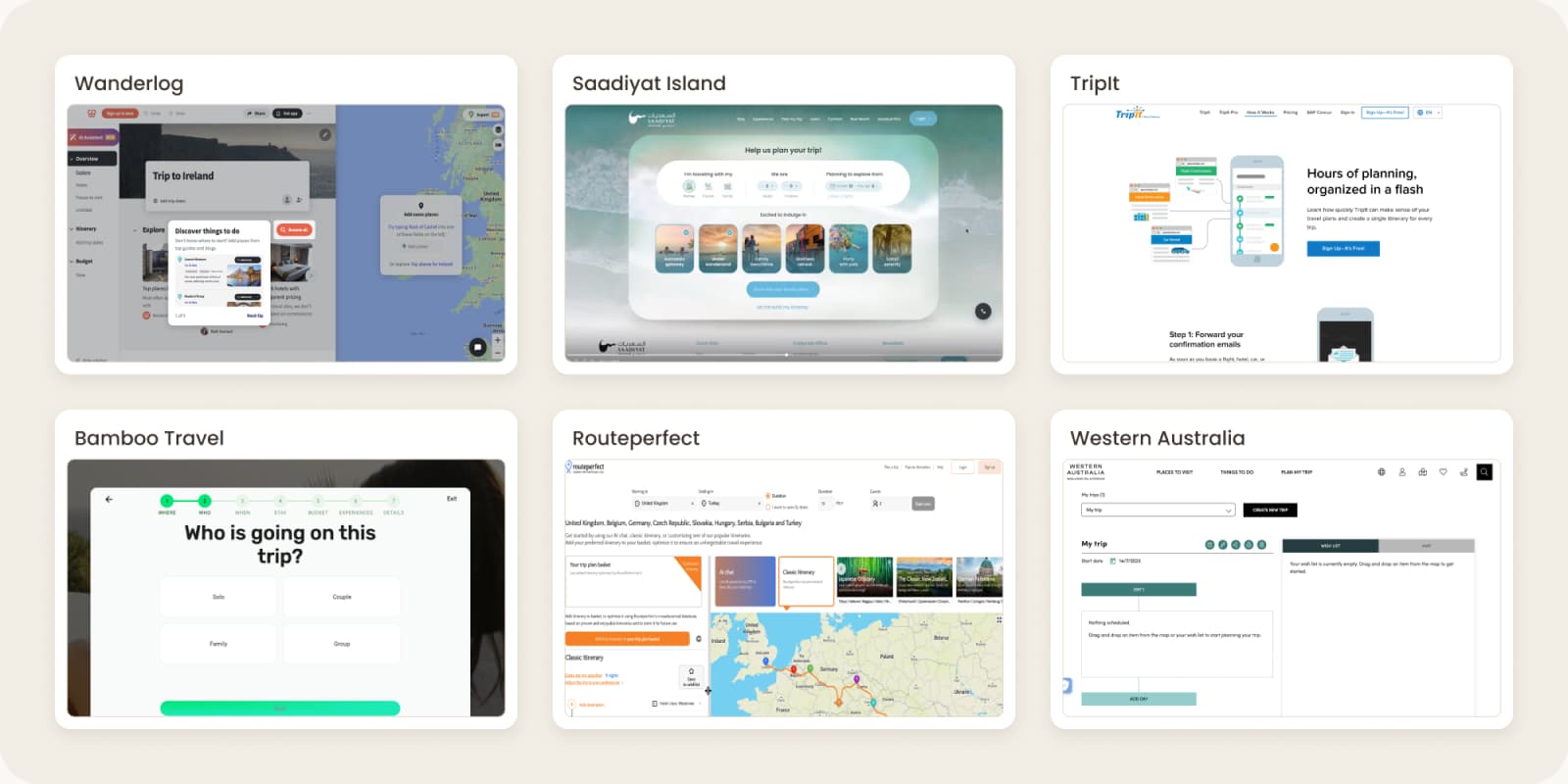
I started by benchmarking 12 travel planners and destination sites, from Wanderlog and TripIt to Saadiyat Island and Visit Dubai, to see how they help people organise a multi day trip and where they fall short. I also reviewed booking widgets across hotel and travel sites to see how people pick dates, guests and rooms.
WHAT WASN'T WORKING BEFORE
PERSONAS
I brought the insights together into three personas, each with their own goals and frustrations.
Juggling everyone's interests, nap times and budgets, and wants a plan that just works.
Decides late and wants great suggestions fast, without hours of research.
Looking for meaningful experiences and wants to fit as much in as possible.
WHY BUILD IT
The destination had an enormous amount to offer, but visitors were left to piece a multi day trip together on their own, often somewhere else. I proposed an itinerary builder as the missing link between inspiration and booking: it narrows the choice down to what suits each visitor, keeps them planning on the website, and leads them naturally into booking. To keep the first release realistic, I suggested we start simple and grow it in phases.
A short wizard and pre-built itineraries by trip length and holiday type, linking out to existing product pages and booking.
Fully customisable itineraries, with content and tracking refined using what we learned from real visitors after launch.
Deeper integration with the booking engine, so a whole itinerary can be booked online in one go.
PRODUCT STRATEGY
I defined the key user flow, from finding experiences to building a plan and sharing it. With so much traffic coming from phones, we designed mobile first from day one.
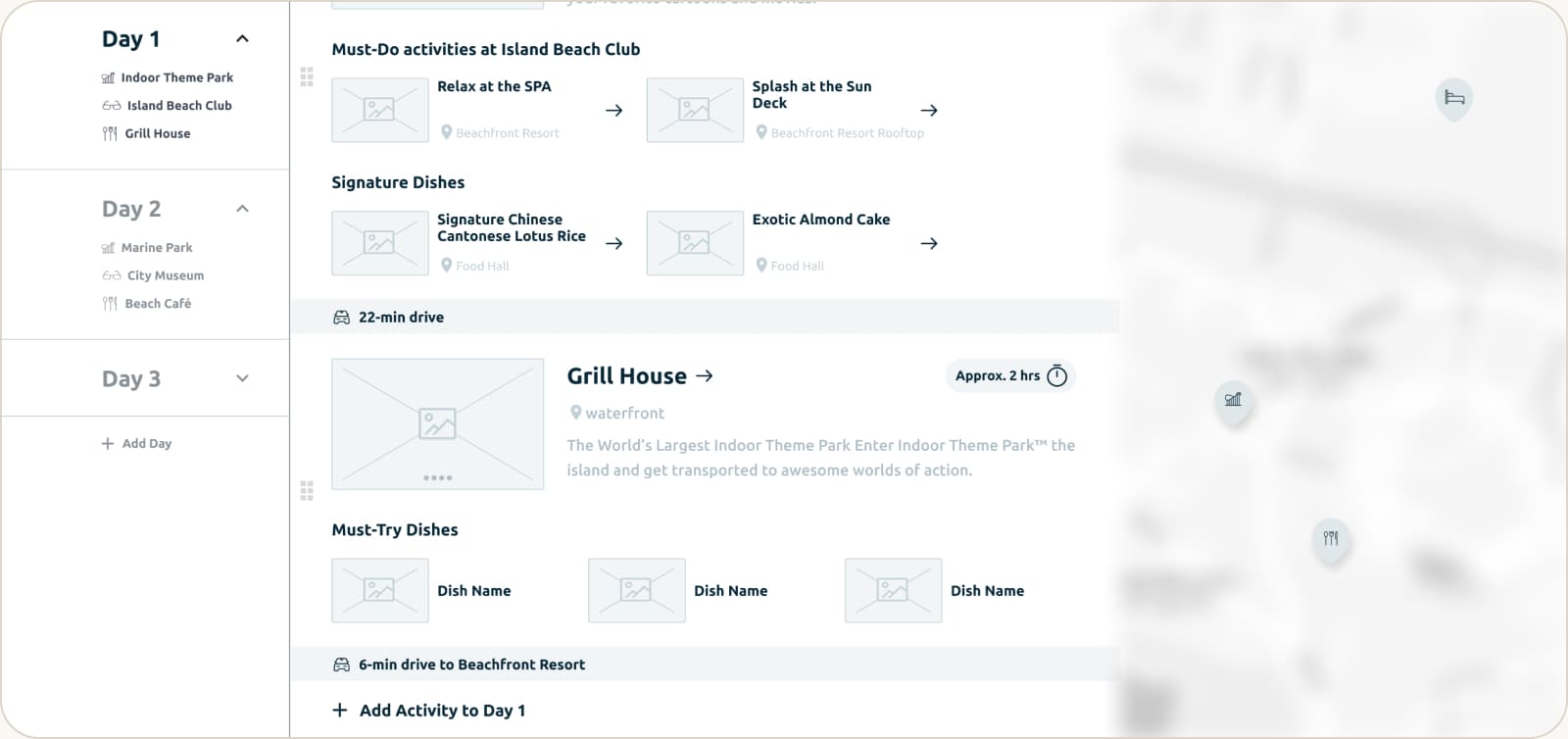
Move experiences between days and times as easily as moving sticky notes.
The plan flags when activities overlap or don't leave enough travel time.
Browse by category, type of activity and how long it takes.
Designed for phones first, since that's where most visitors were planning their trips.
Worked with product designers and developers to map the logic behind every scenario.
Mapped out what people see first and how they interact, so plans stay easy to scan on a small screen.
FEATURE SPOTLIGHT
The heart of the builder was a short wizard that asks people what kind of holiday they want. Based on their answers, it suggests the activities that fit them best.
From there, they can make the trip their own: add, remove, swap or rearrange experiences across days with simple drag and drop.
To make planning a group effort, we added PDF export and shareable links so friends and family could plan together.
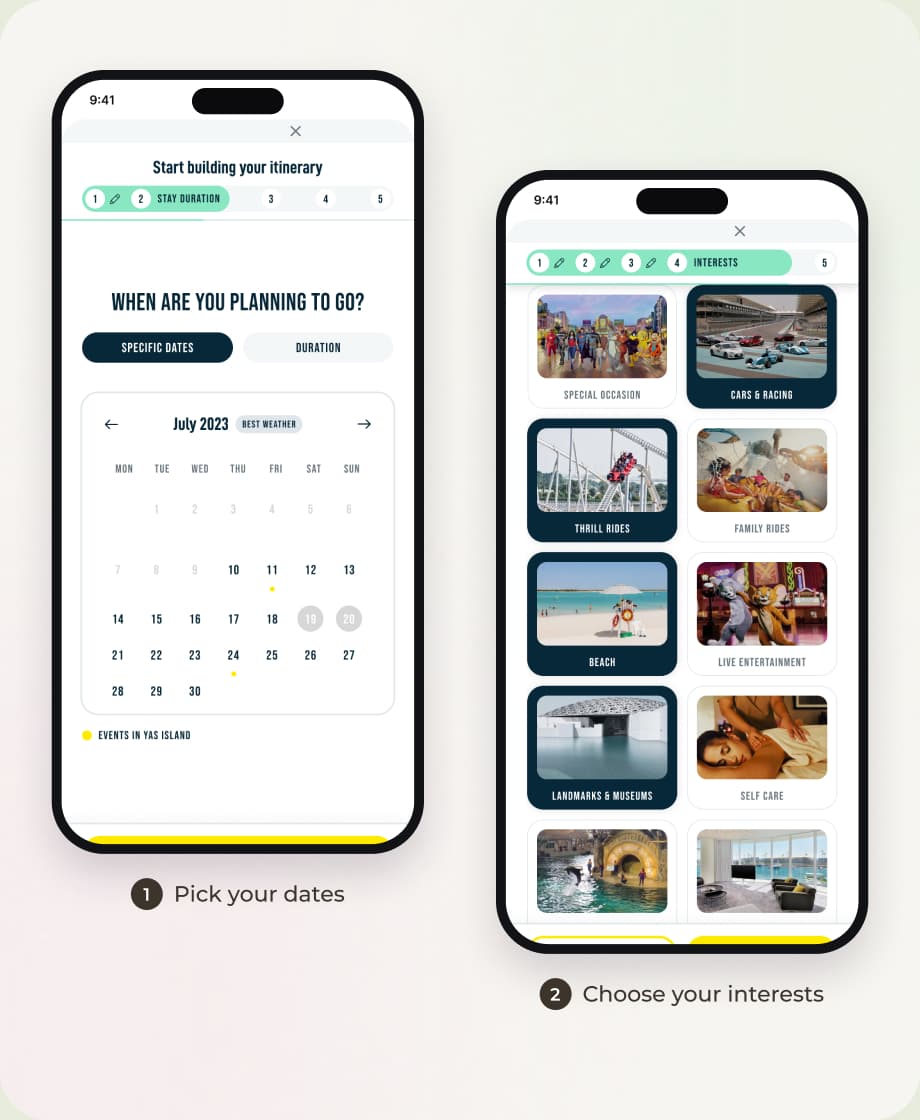
WIREFRAMES & PROTOTYPES
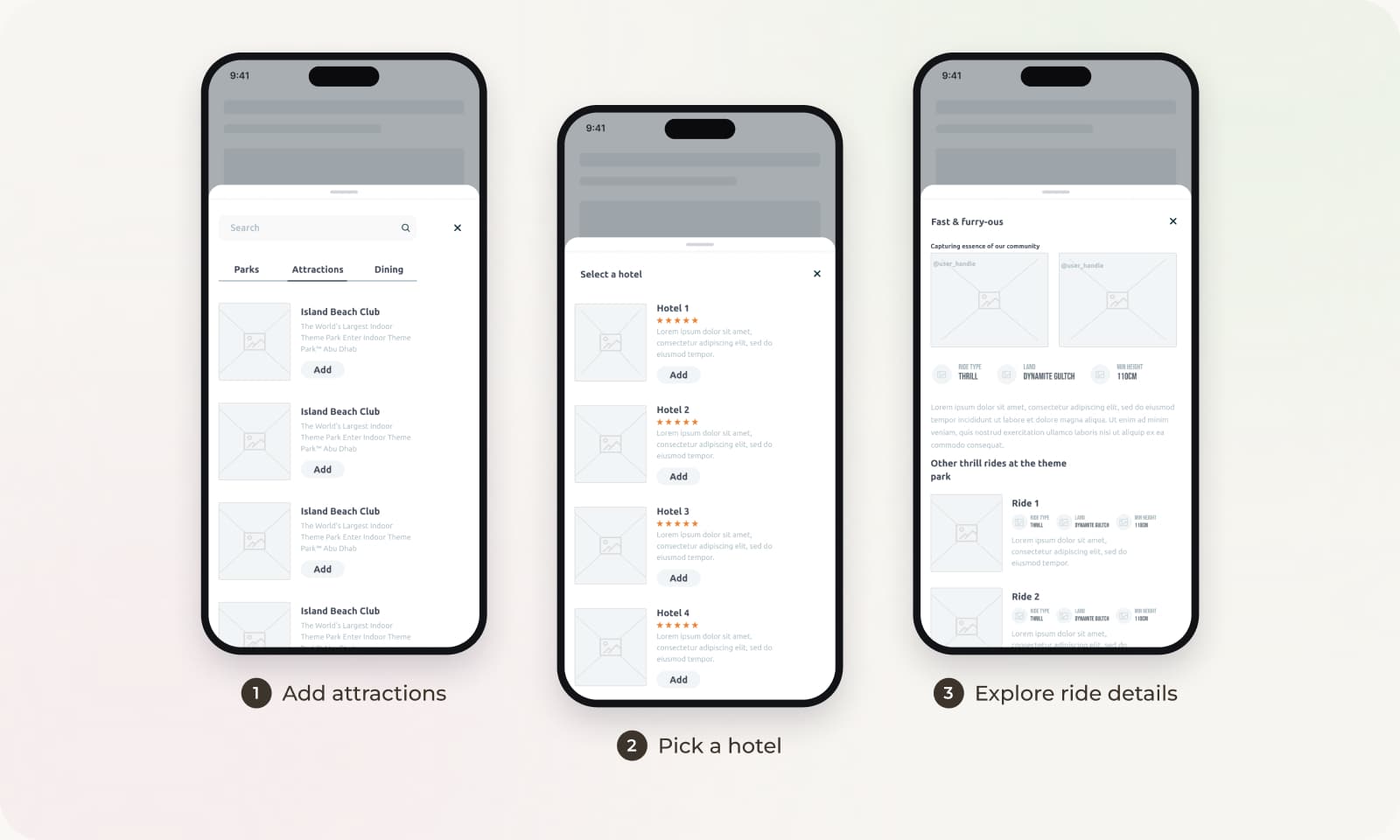
WHERE AI HELPED
I used AI to speed up the slower parts of the work: making sense of research, synthesising test notes and getting copy to a good first draft. Every output was a starting point that I checked and edited myself.
REFLECTIONS
One app for work, life and everything in between across Dubai's financial district.
Read the storyA self initiated app concept that makes booking Hub19 and joining clubs at Middlesex University Dubai simpler.
Read the story